





How Interactive Displays Can Improve Collaboration in Modern Workplaces and Classrooms
How Interactive Displays Can Improve Collaboration in Modern Workplaces and Classrooms
Modern workplaces and classrooms are becoming more interactive, connected and technology-driven. At the same time, many organisations still rely on multiple devices, cables and separate systems just to present content, conduct video calls or collaborate on ideas.
An interactive display can simplify this setup by combining presentation, touchscreen collaboration, whiteboarding, conferencing and wireless sharing capabilities into a single platform.
The SYNCS SS-82 Series Professional Interactive Display is designed for modern workplaces and classrooms, bringing together 4K visuals, interactive touch, smart connectivity and built-in collaboration tools.
What Is an Interactive Display?
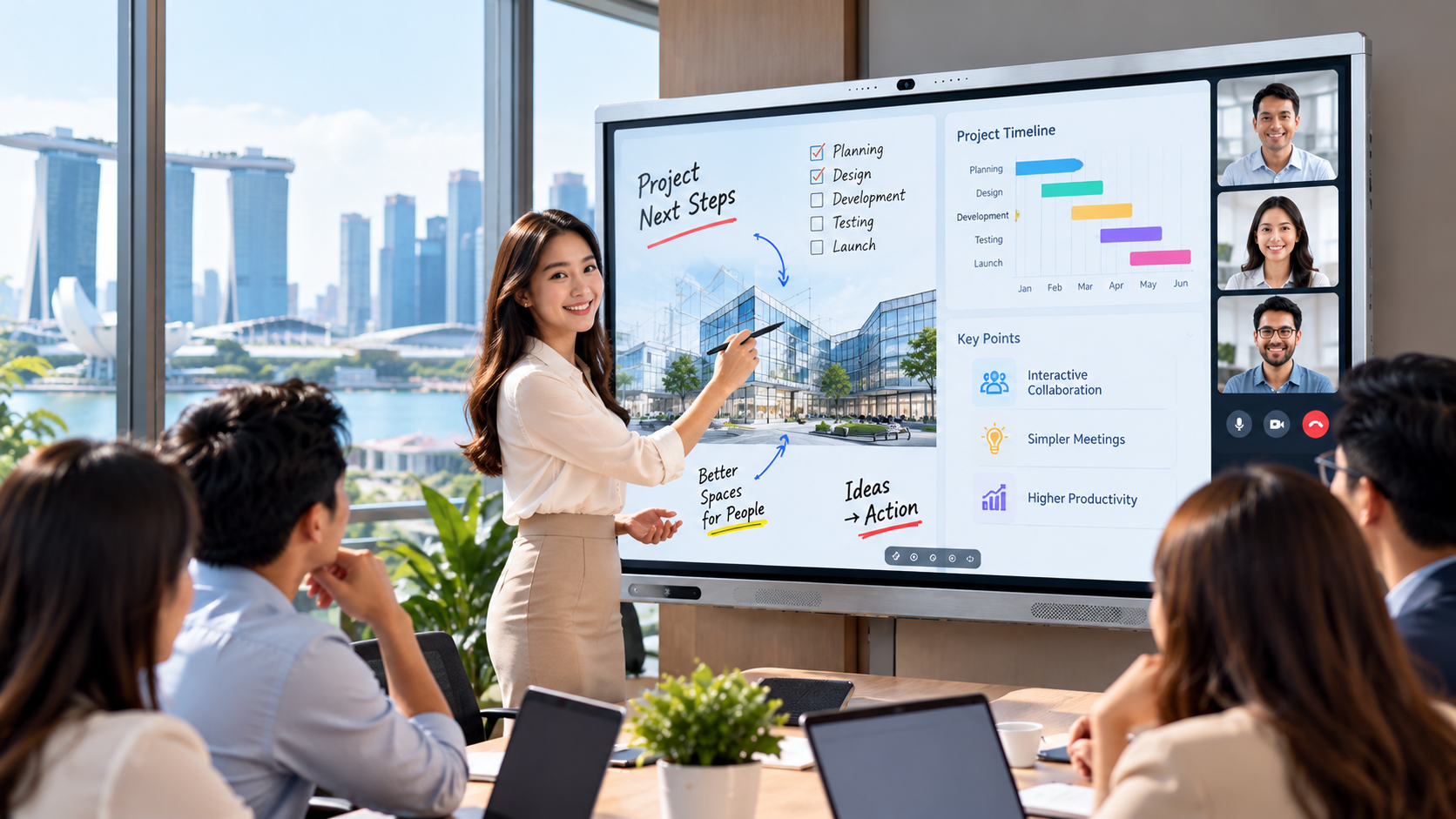
An interactive display is a large touchscreen designed for presentations, collaboration, teaching and communication.
Unlike a conventional display, an interactive display allows users to write, annotate, interact with content, share screens and access applications directly from the display.
For businesses, it can support meetings, presentations, brainstorming and hybrid collaboration.
For schools and training environments, it can support interactive lessons, student participation, digital whiteboarding and content sharing
The SYNCS SS-82 Series brings presentation, whiteboarding, video conferencing, wireless sharing and collaboration tools together in one platform.
1. Make Meetings More Interactive
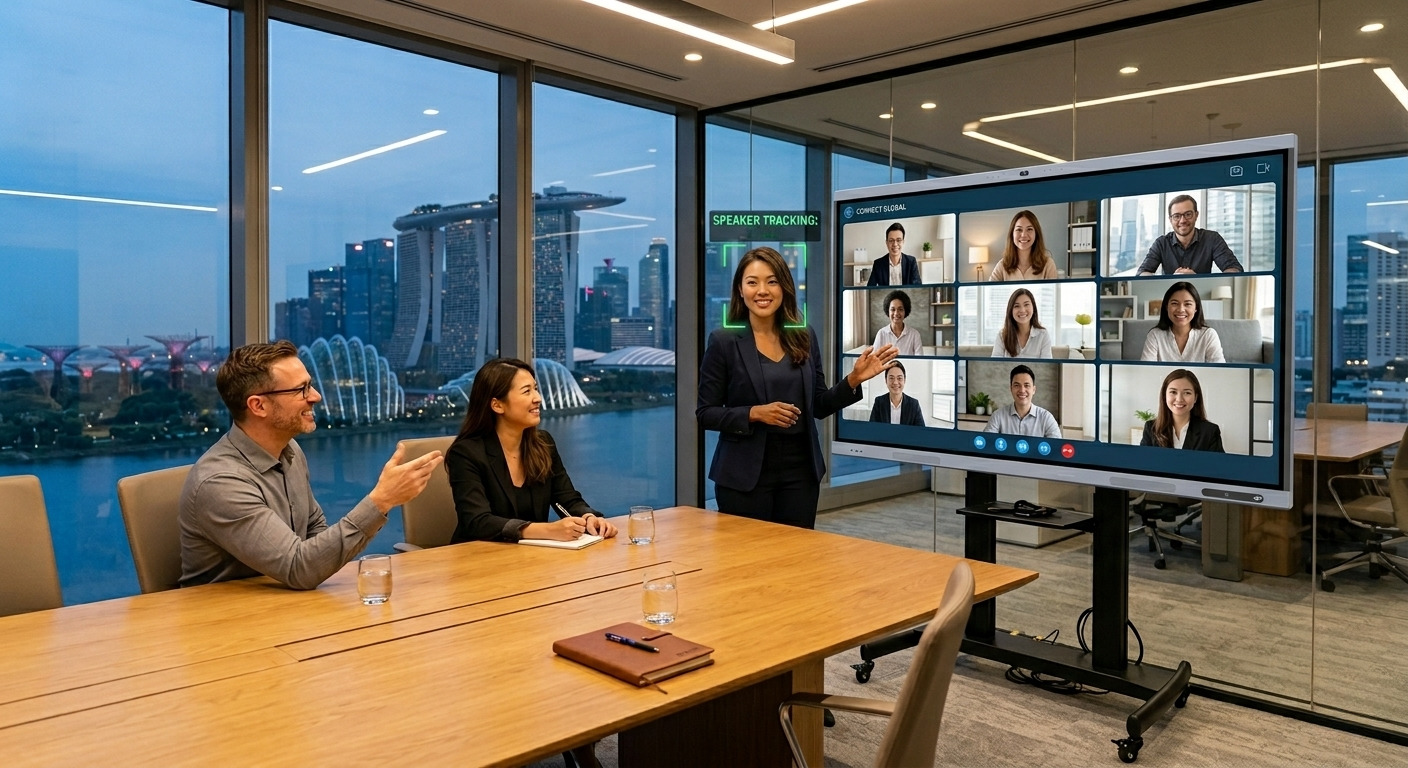
Traditional meeting rooms often depend on several separate components such as a display, external camera, speakers, laptop and multiple cables. The SYNCS SS-82 Series combines many of these functions into one interactive solution.
Its built-in AI Smart Camera automatically frames participants and tracks the active speaker, helping create a more engaging hybrid meeting experience.
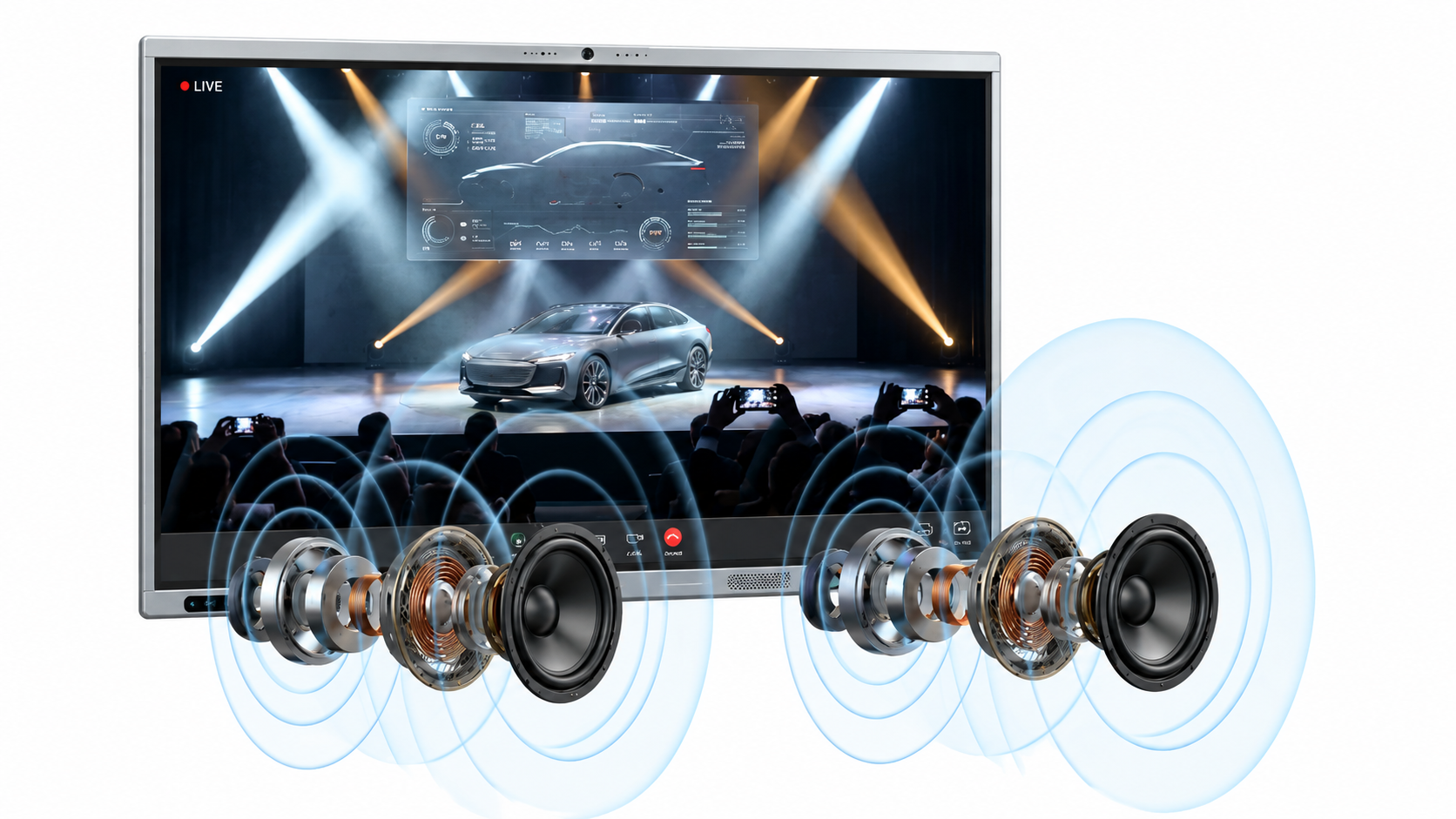
The display also includes integrated dual 20W stereo speakers designed to provide powerful audio with enhanced voice clarity for presentations, meetings and video conferencing.
By integrating key conferencing functions into the display, organisations can create a cleaner and more streamlined meeting-room setup.
2. Connect Your Laptop with One USB-C Cable
Too many cables can make meeting rooms unnecessarily complicated.
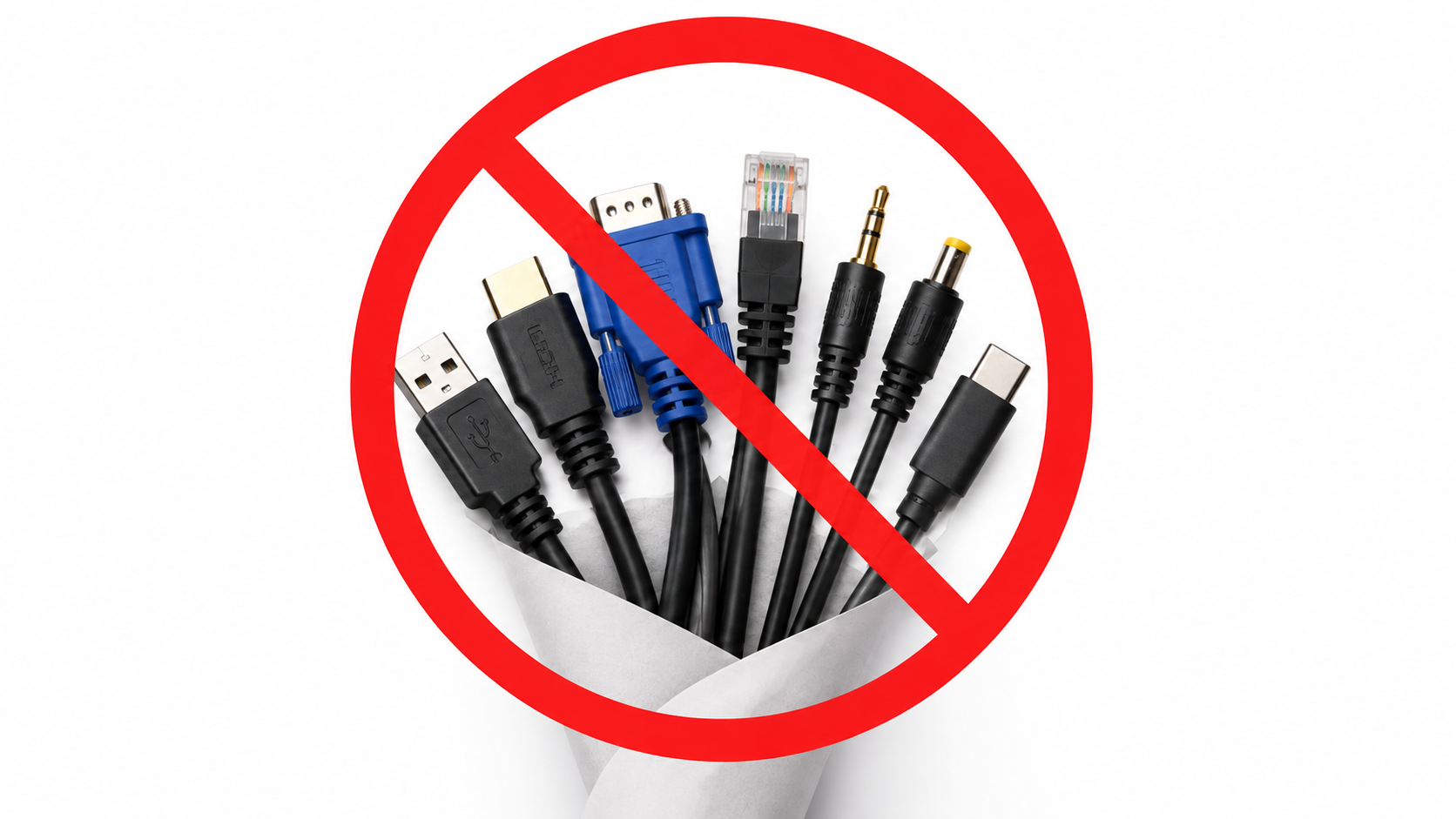
The SYNCS SS-82 Series supports USB-C one-cable connectivity, allowing a compatible laptop to connect to the interactive display through a single cable.
This connection supports video, touch control, data transfer and device charging.
This can make it easier for employees to enter a meeting room, connect their laptop and start presenting without having to manage several separate connections.
3. Collaborate Directly on the Screen
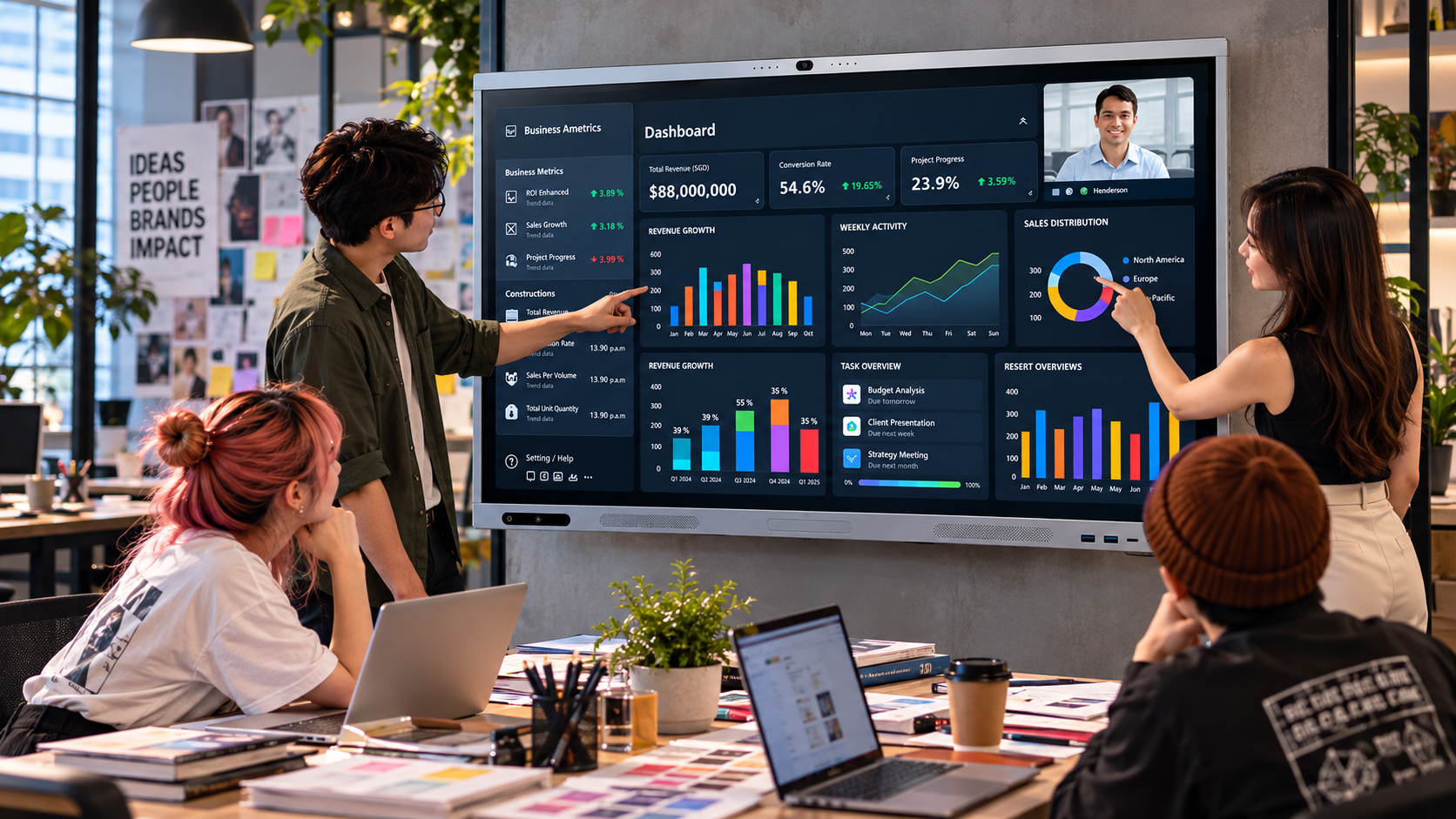
Modern meetings increasingly require active participation rather than one-way presentations.
The SYNCS SS-82 Series supports 40-point multi-touch, allowing multiple users to interact with the screen.
Its Zero Bonding technology is designed to provide more precise and natural writing, helping users annotate content, brainstorm ideas or collaborate directly on the display.
This can be useful for team brainstorming, project discussions, training sessions, presentation annotation, collaborative planning and interactive lessons.
Instead of simply viewing content, users can participate directly on the screen.
4. Share Content Wirelessly
Employees, teachers and students increasingly work across laptops, tablets and mobile devices.
Wireless screen sharing allows users to share content from these devices directly to the interactive display.
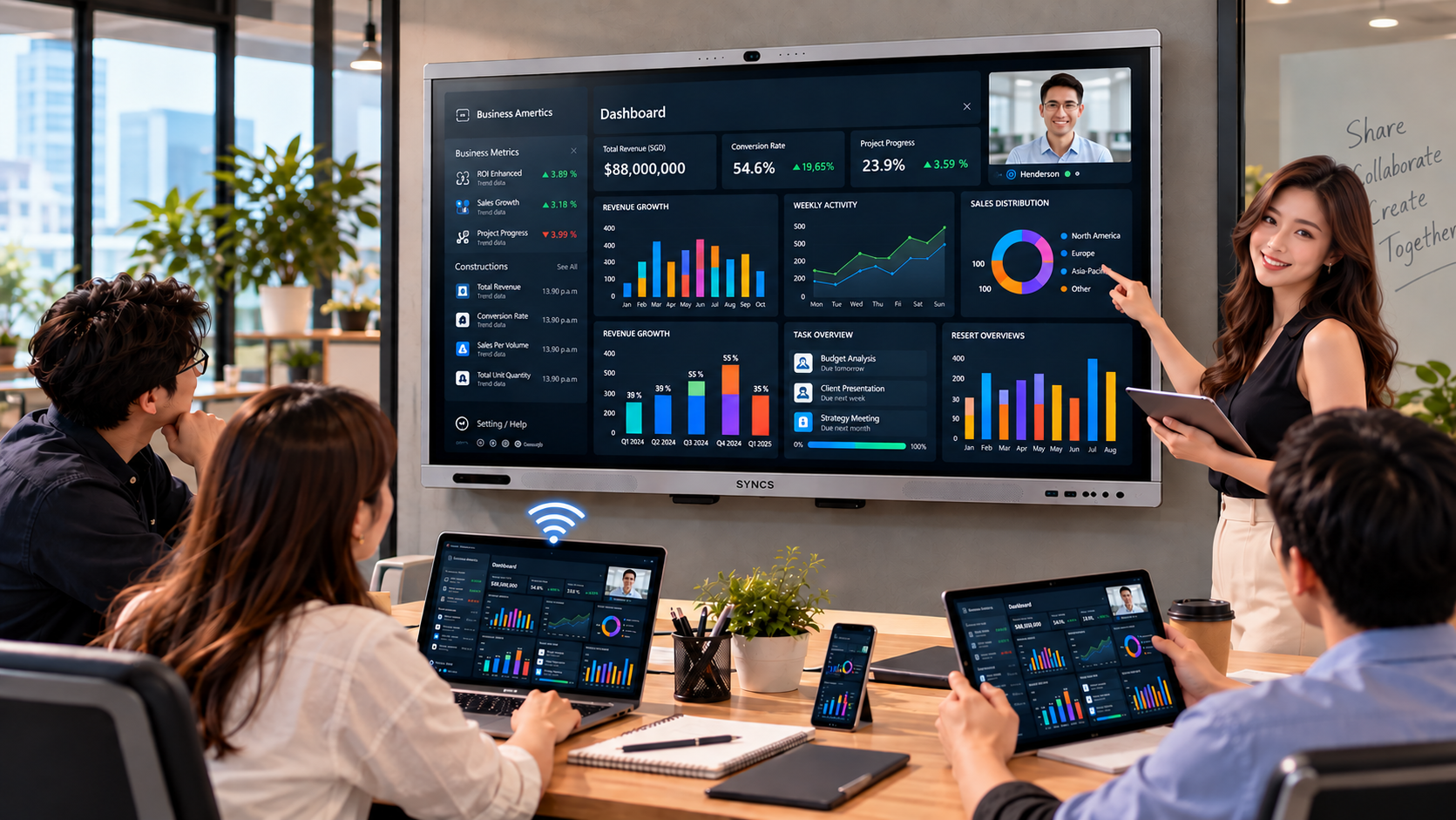
In a meeting room, this can make it easier for different participants to present their ideas.
In a classroom, teachers and students can share content from their own devices, helping create a more connected and interactive learning environment.
5. Access Google Services Directly from the Display
The SYNCS SS-82 Series runs on Android 16 with Google EDLA certification.
This allows users to access familiar Google services, productivity tools and enterprise-ready security directly from the display without requiring an external PC.
The display also includes 8GB memory and 128GB storage, supporting its built-in Android environment and applications.
This can help reduce dependency on external devices for everyday collaboration, presentations and teaching activities.
6. Support More Engaging Classroom Learning
Interactive displays can help teachers move beyond traditional presentation-based lessons.
The SYNCS SS-82 Series includes interactive voting, allowing teachers to gather instant responses, assess understanding and increase classroom participation.
It also includes interactive teaching tools designed to support visual learning, classroom interaction and student participation.
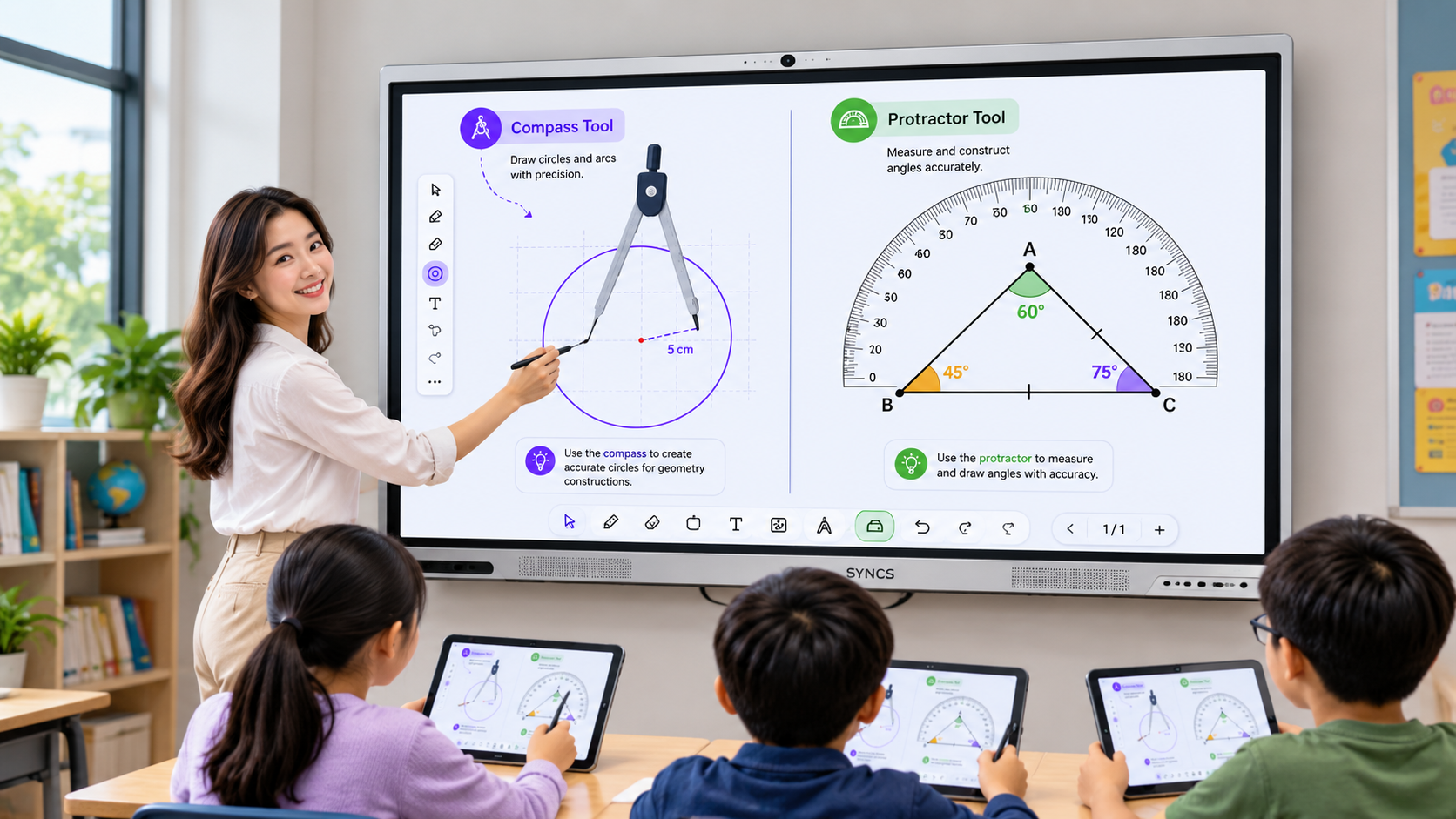
Combined with 40-point multi-touch, teachers and students can interact directly with lesson content on the screen.
7. Use AI Tools to Support Teaching
The SYNCS SS-82 Series also supports AI-powered education tools.
These tools can be used to create mind maps, generate quizzes, produce images, translate content and convert text to speech.
These capabilities are designed to help teachers create more engaging and interactive classroom experiences.
** Some AI features may require a valid annual subscription licence.
8. Present Content Clearly in 4K Ultra HD
Whether displaying presentations, spreadsheets, diagrams, videos or educational content, image clarity is important.
The SYNCS SS-82 Series features 4K Ultra HD resolution of 3,840 × 2,160, helping users display detailed visual content clearly during meetings, presentations and lessons.
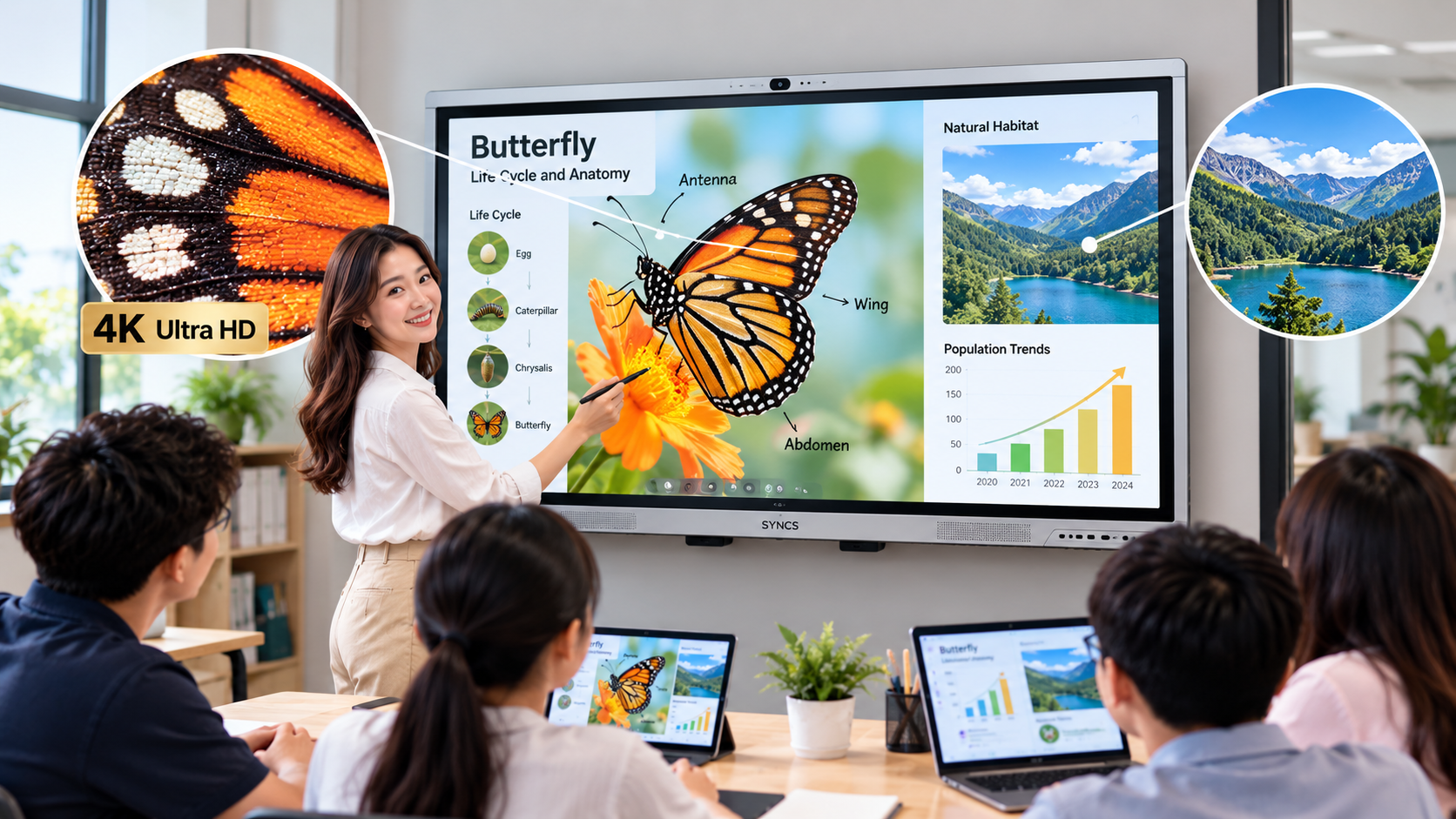
The series is available in three screen sizes:
- 65-inch SYNCS SS-65W82B
- 75-inch SYNCS SS-75W82B
- 86-inch SYNCS SS-86W82B
This allows organisations to choose a display size based on the room, audience and intended application.
9. Simplify the Meeting Room or Classroom Setup
One of the biggest advantages of an all-in-one interactive display is the ability to reduce the number of separate devices required.
The SYNCS SS-82 Series combines presentation, whiteboarding, video conferencing, wireless sharing and collaboration functions into a single interactive display.
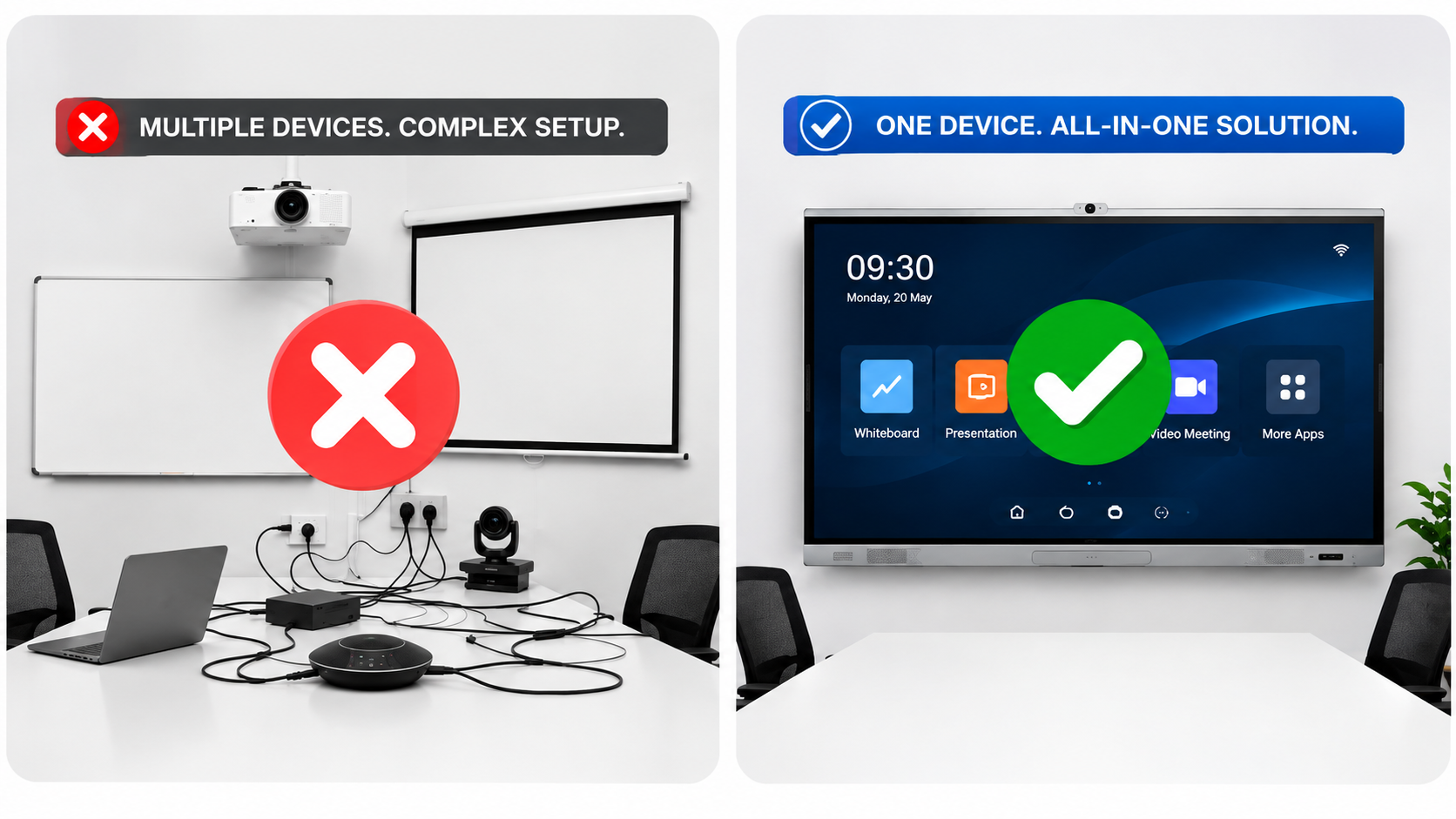
Instead of managing several different systems, organisations can create a more integrated workspace or classroom environment.
This can help simplify day-to-day usage while supporting more flexible collaboration.
What Should You Look for When Choosing an Interactive Display?
When evaluating an interactive display for your organisation, consider how the display will actually be used.
For meeting rooms, important capabilities may include video conferencing, a built-in camera, speakers, USB-C connectivity and wireless screen sharing.
For classrooms, touchscreen responsiveness, multi-user interaction, teaching tools and student engagement features may be more important.
Other areas to consider include screen size, resolution, operating system, connectivity options and whether additional devices are required.
The right interactive display should fit the room, the users and the way your organisation works.
Frequently Asked Questions About Interactive Displays
What is an interactive display?
An interactive display is a large touchscreen that combines presentation, digital whiteboarding, wireless screen sharing and collaboration capabilities in one device.
The SYNCS SS-82 Series is designed for both workplace and classroom environments.
What is an interactive display used for in a meeting room?
Interactive displays can be used for presentations, brainstorming, video conferencing, annotation and team collaboration.
The SYNCS SS-82 Series also includes an AI Smart Camera with automatic participant framing and active-speaker tracking to support hybrid meetings.
Can I connect my laptop to the SYNCS interactive display using USB-C?
Yes. A compatible laptop can connect through a single USB-C cable for video, touch control, data transfer and device charging.
This helps reduce the number of cables required in a meeting room or classroom.
Does the SYNCS interactive display support wireless screen sharing?
Yes. Users can wirelessly share content from laptops, tablets and mobile devices to the interactive display.
This can make presentations and collaborative sessions more flexible.
Is the SYNCS interactive display suitable for classrooms?
Yes. The SYNCS SS-82 Series includes features such as interactive voting, teaching tools, wireless screen sharing and 40-point multi-touch to support interactive lessons and student participation.
Does the SYNCS interactive display include Google services?
The SYNCS SS-82 Series runs on Android 16 with Google EDLA certification.
This provides access to familiar Google services and productivity tools directly from the display without requiring an external PC.
Does the SYNCS interactive display have a built-in camera and speakers?
Yes. The display includes an AI Smart Camera that supports automatic framing and active-speaker tracking.
It also includes dual 20W stereo speakers for presentations, meetings and video conferencing.
How many people can use the touchscreen at the same time?
The SYNCS SS-82 Series supports 40-point multi-touch, allowing multiple users to interact with the screen simultaneously.
What sizes are available for the SYNCS SS-82 Series?
The SYNCS SS-82 Series is available in 65-inch, 75-inch and 86-inch models.
This gives organisations flexibility when selecting a display for different room sizes.
Does the SYNCS interactive display include AI features for education?
Yes. Available AI-powered education tools can support mind-map creation, quiz generation, image generation, translation and text-to-speech.
* Some AI features require a valid annual subscription licence.
One Display for Smarter Collaboration and Learning
Interactive displays are becoming more than presentation screens.
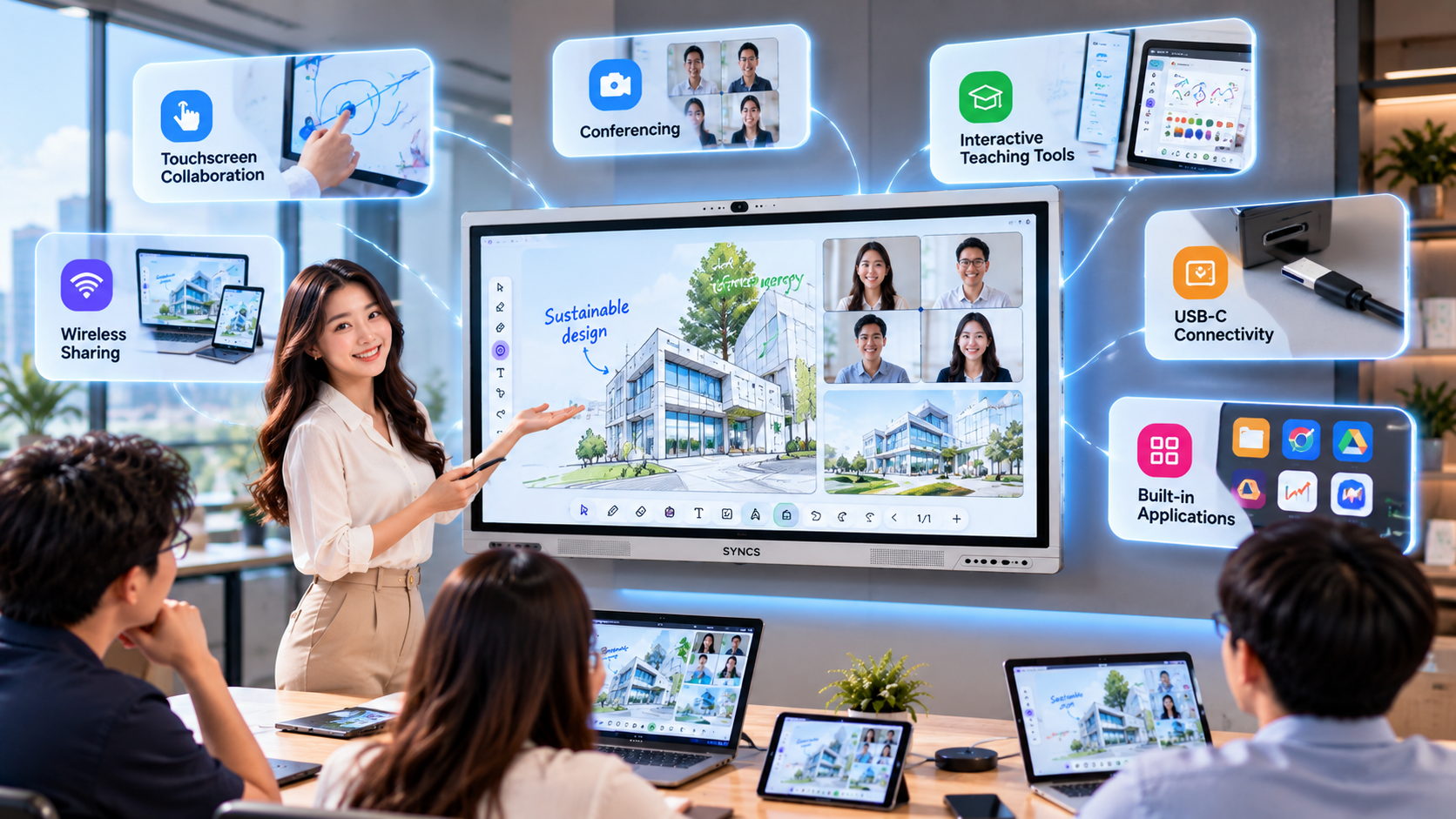
By bringing together touchscreen collaboration, wireless sharing, conferencing, interactive teaching tools, USB-C connectivity and built-in applications, organisations can simplify the technology used in meeting rooms and classrooms.
The SYNCS SS-82 Series Professional Interactive Display combines these capabilities into one platform designed to support smarter collaboration, smart learning and smart connectivity.
Book a Free On-Site Consultation Worth $200
Not sure which interactive display setup is right for your meeting room, classroom or training space?
Book a Complimentary on-site consultation worth $200* with our display specialist.
Our display specialist assess your space, understand your collaboration or teaching requirements and recommend a suitable SYNCS interactive display configuration for your organisation.
Your Complimentary consultation includes (No obligation to purchase):
- On-site assessment of your meeting room or classroom
- Recommendation on suitable screen size
- Advice on display placement and setup
- Review of connectivity requirements
- Discussion on meeting, collaboration or teaching applications
- Recommendation based on your organisation’s requirements
Ready to Upgrade Your Meeting Room or Classroom?
Book Your Complimentary On-Site Consultation Today
*Complimentary for a limited period. No obligation to purchase